Vani Code Agent for VS Code is here
Our first app outside the browser: a free VS Code extension with a coding agent that edits your files with diff review and runs commands with your approval. Desktop apps are next.
 Illustration
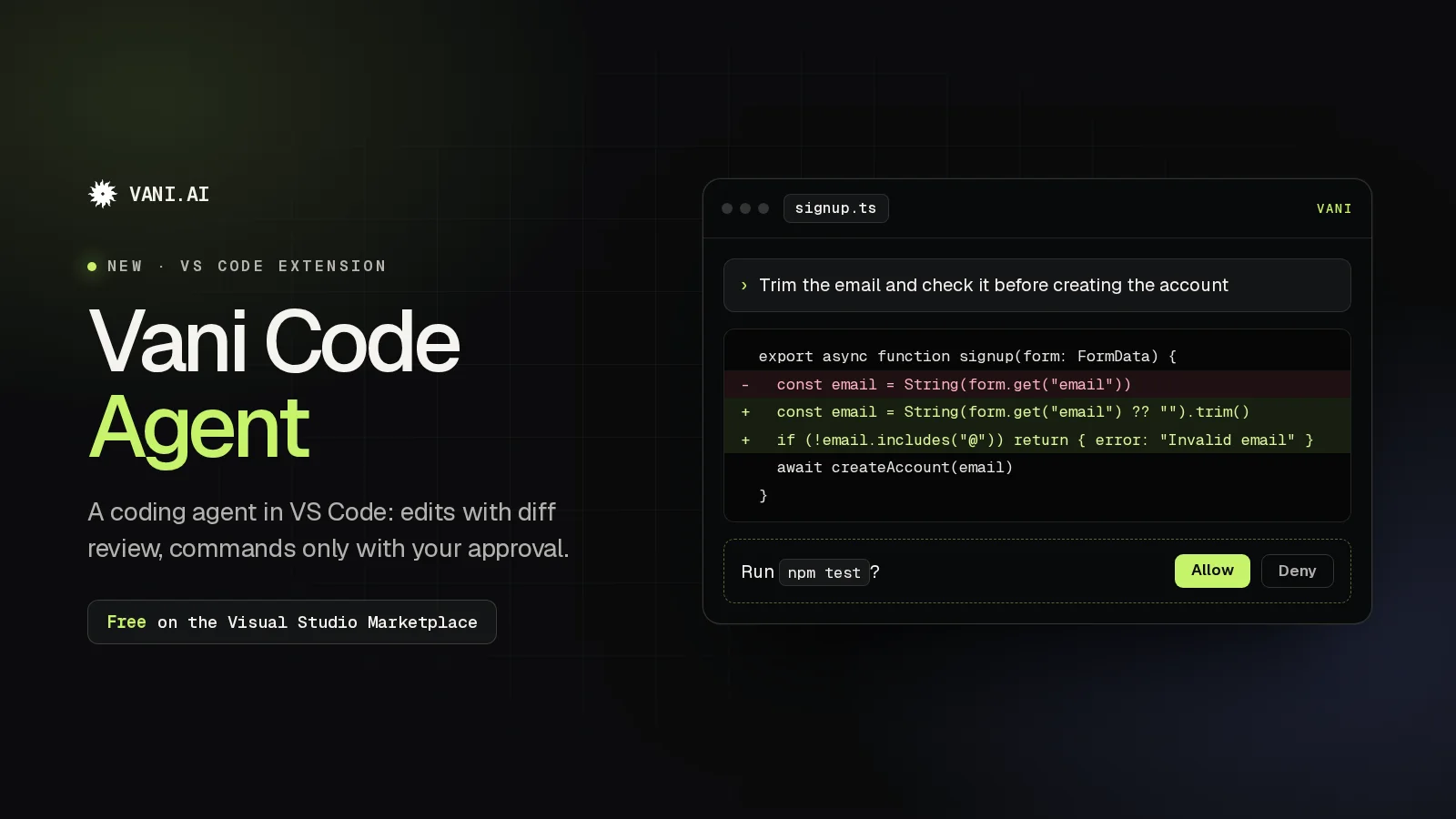
Vani now works where you write code. Vani Code Agent is our extension for Visual Studio Code: a coding agent, backed by the Vani API, that chats with you about your project, reads and edits your files with diff review, and runs commands with your approval.
It's free on the Visual Studio Marketplace, and it's our first app outside the browser.
What it does
- Chats about your code with the model you choose from the Vani API.
- Reads and edits files in your workspace, with each edit shown as a diff you can review.
- Runs commands in your project only when you approve them.
- Fetches web pages when it needs them, only with your consent.
- Keeps your history: chats are saved per workspace, and you can rewind an edit or the conversation.
You stay in charge
- Approval modes: choose Ask (the default), Accept edits or Plan, depending on how much you want it to do on its own.
- Protected paths: sensitive files and folders such as
.env,.gitand your CI workflows are protected. - Your key stays private: your Vani API key is kept in VS Code's secret storage and is sent only to the Vani API.
Get started in three steps
- Install Vani Code Agent from the Visual Studio Marketplace (VS Code 1.93 or later), or run
code --install-extension AhuraSense.vani-code. - Get an API key on the Vani API Platform with prepaid credit, or in Developer settings if you're on Plus or a higher plan. The extension is free; what you use is billed through your key.
- Open Vani with Ctrl+Alt+V (Cmd+Alt+V on macOS), paste your key and pick a model.
Handy shortcuts: Ctrl+Alt+N starts a new chat, Ctrl+Alt+. stops the current reply and Ctrl+Alt+Y shows your history (use Cmd instead of Ctrl on macOS).
The setup steps and every shortcut are also on our new Downloads page.
What's next
Desktop apps for Windows, macOS and Linux are next. A Vani CLI and mobile apps for iOS and Android are on the way too. We'll post here as each one becomes available.
The extension is in preview, so your feedback shapes it: tell us what works and what doesn't with Report a bug or Contact support in Vani Chat.