AI video generator: Turn words and photos into video.
Describe a shot or animate a photo with Seedance and Grok Imagine. Set the first and last frame, add camera moves from Studio and refine it in the same chat.

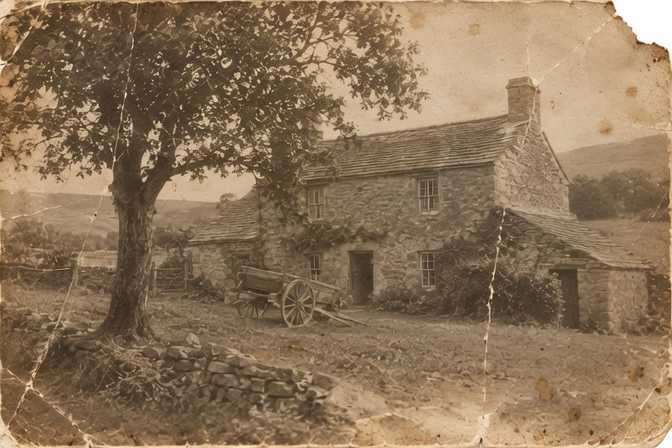

Real results from Vani Studio presets.
- 5 video models from xAI and ByteDance
- $0.169 per 6-second clip, the lowest API price
- ~35 s typical time with Grok Imagine Video 1.5
- 192 camera moves, effects, talking photos, transitions and Cinema Studio in Vani Studio
Free to start, on every plan. In chat and Studio, generations use your plan's allowance; prices on this page are for the prepaid API.
Every video model, charted.
What each model does, its prepaid API price per output and how long it typically takes, live from Vani's catalogue. Typical time is the median of recent successful generations.
| Model | Text to video | Image to video | First and last frame | Reference inputs | Resolution and length | API price | 6-second clip | Typical time |
|---|---|---|---|---|---|---|---|---|
xAI2 models | ||||||||
| Grok Imagine VideoLowest price | Yes | No | No | No | 6-second clips | $0.169 per 6-second clip | $0.169 | Measuring |
| Grok Imagine Video 1.5References: up to 7 images · 7 aspect ratios | Yes | Yes | Yes | Yes | 480p to 1080p · 1–15 s | $0.056 per second of video | $0.336 | ~35 s |
ByteDance3 models | ||||||||
| Seedance 2.0 Fast VIPReferences: up to 9 images, 3 videos and 3 audio clips · 6 aspect ratios | Yes | Yes | Yes | Yes | 720p · 4–15 s | $0.135 per second of video | $0.81 | Measuring |
| Seedance 2.0 MiniReferences: up to 9 images, 3 videos and 3 audio clips · 6 aspect ratios | Yes | Yes | Yes | Yes | 720p · 4–15 s | $0.09 per second of video | $0.54 | Measuring |
| Seedance 2.0 VIPReferences: up to 9 images, 3 videos and 3 audio clips · 6 aspect ratios | Yes | Yes | Yes | Yes | 720p to 4K · 4–15 s | from$0.169 per second of video | $1.014 | Measuring |
API prices are for prepaid API keys; the 6-second column is what one clip of that length costs at the model's lowest resolution. In chat and Studio, generations use your plan's allowance.
All API pricesCamera moves, effects and transitions, ready to use.
Pick a preset, add your photo or a few words, and Studio writes the prompt. 192 video presets in all; the previews are real results, and the presets shown here run on Grok Imagine Video 1.5, Seedance 2.0 Fast VIP and Seedance 2.0 Mini.
Camera moves
64 presets
Dolly In
A slow, steady push toward your subject that builds focus and intimacy.
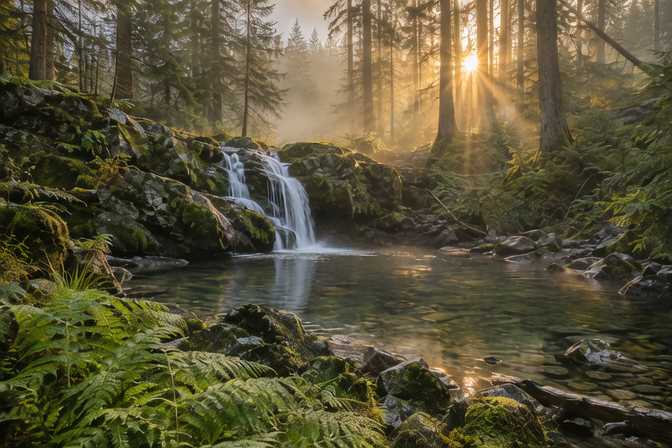
Long Push
One long, unbroken push from a wide view all the way to an extreme close-up.
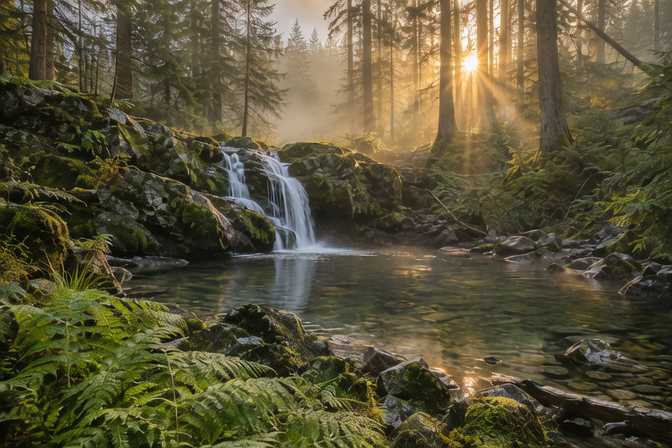
Dolly Out
The camera glides back to reveal the wider scene around your subject.

Stabilizer Glide
A floating, gimbal-smooth glide forward that settles on your subject.
Effects
105 presets
Living Memory
An old photo gently comes to life: a breath, a blink, a soft smile.
Melt Down
Your photo slowly softens and melts like warm wax into glossy drips.

Levitation
Your subject gently lifts off the ground and floats in mid-air.
Storm Power
Crackling blue lightning arcs around your subject as their power awakens.
Talking photos
2 presets
Talking Photo
Your photo speaks: type a script and pick a voice, or add your own recording.
Try it: Talking PhotoPlus and above
Sing Along
Your photo sings along to a song or voice recording you add.
Try it: Sing AlongPlus and above
Transitions
20 presets

Morph
A seamless, liquid morph from your first image into the second.

Zoom Through
The camera dives into the first image and emerges in the second.

Flash Cut
A bright camera flash bursts and fades into the second shot.

Glass Break
The first shot shatters like glass and falls away to reveal the second.
Cinema
1 preset
Cinema Studio
Direct a cinematic shot: pick the camera, lens, focal length, aperture, grade and genre.
Try it: Cinema StudioPro and above
- Camera moves you can combine in one shot
- Effects and transitions that turn a photo into a short clip
- Looks and photo tools, from headshots and product shots to relighting and restoring
- Characters you can reuse across images and videos
- A machine-readable “made with AI” label in every image and video file
From an idea to the clip, in three steps.
Start from words or a picture
Describe the shot, animate a photo, or set the first and last frame.
Choose model, length and shape
Choose from 5 video models, then the resolution, length and aspect ratio. Grok Imagine Video 1.5 typically finishes in about 35 seconds.
Watch, change, reuse
Ask for a new version in the same thread. Every clip is kept in your media library.
Text to video
Make a clip from text.
On all 5 video models
Image to video
Animate a still image.
First and last frame
Set the first and last frame of a clip.
Reference inputs
References: up to 9 images, 3 videos and 3 audio clips, depending on the model.
On 4 of the 5 video models: all but Grok Imagine Video
Media library
Every image and video you make is kept in one place.
To download or reuse
What people make with AI video.
A few of the jobs AI video does well, with the Studio preset that does it in one step.
Bring a photo to life
Animate a still image with a slow push-in, an orbit or a drone reveal.
Product videos
Circle a product or glide past it for a store page or an ad.
Social clips
Short clips in vertical, square or wide shapes, with effects like colour bursts or levitation.
Transitions
Morph or whip from one picture to the next for reels and intros.
Cinematic shots
Direct a shot by choosing the camera, lens, focal length, aperture, grade and genre.
Storyboards and ads
Try ideas quickly from text, then ask for a new version in the same thread.

Video generation on the API.
One prepaid key for every model on this page, with OpenAI-style requests. You pay per output; a failed generation is not charged.
POST /v1/videosstart a video from text, an image or framesGET /v1/videos/{id}check the jobGET /v1/videos/{id}/contentdownload the finished clip
curl · Grok Imagine Video 1.5
curl https://api.vani.ai/v1/videos \
  -H "Authorization: Bearer $VANI_API_KEY" \
  -H "Content-Type: application/json" \
  -d '{
    "model": "x-ai/grok-imagine-video-1.5",
    "prompt": "Slow push-in on a lighthouse at dusk",
    "seconds": 6,
    "resolution": "480p",
    "ratio": "16:9"
  }'
Questions, answered.
What is the best AI video generator?
It depends on what you are making. Vani puts Seedance and Grok Imagine in one place, so you can try the same idea on several models and keep the result you like. The comparison on this page shows what each model does, its API price and how long it typically takes.
Is the AI video generator free to use?
You can start free: video generation is included on every Vani plan, Free too, and uses your plan's allowance. Paid plans give you more room. On the API, videos are billed per second or clip from a prepaid balance instead.
How long does it take to generate a video?
Grok Imagine Video 1.5 typically finishes in about 35 seconds. Typical times are the median of recent successful generations on Vani; longer clips take longer.
Can I turn a photo into a video?
Yes. Upload a photo in chat or Studio and describe the motion. Grok Imagine Video 1.5, Seedance 2.0 Fast VIP, Seedance 2.0 Mini and Seedance 2.0 VIP animate still images. Some models also let you set the first and last frame.
How long can the videos be?
From 1 second to 15 seconds, depending on the model, at up to 4K. Each model's page lists its lengths, resolutions and aspect ratios.
Is there an AI video generation API?
Yes. Every model on this page is on the Vani API with a prepaid key: POST /v1/videos. Video is priced per second or per clip. A video is created as a job; poll it, then download the file. A failed generation is not charged.
What are camera moves and effects?
They are ready-made presets in Vani Studio: 64 camera moves, 105 effects, 2 talking photos, 20 transitions and Cinema Studio, such as Dolly In, Living Memory, Talking Photo, Morph and Cinema Studio. Pick one, add your photo or a few words, and Studio writes the prompt for you.
Make your first video.
Free to start, with every model in one place. Keep what you make in your media library, or build it into your product with the API.