AI image generator: Create and edit images with AI.
Describe what you want and Vani makes it with GPT Image and Grok Imagine. Upload a photo to change it, or start from a ready-made look.
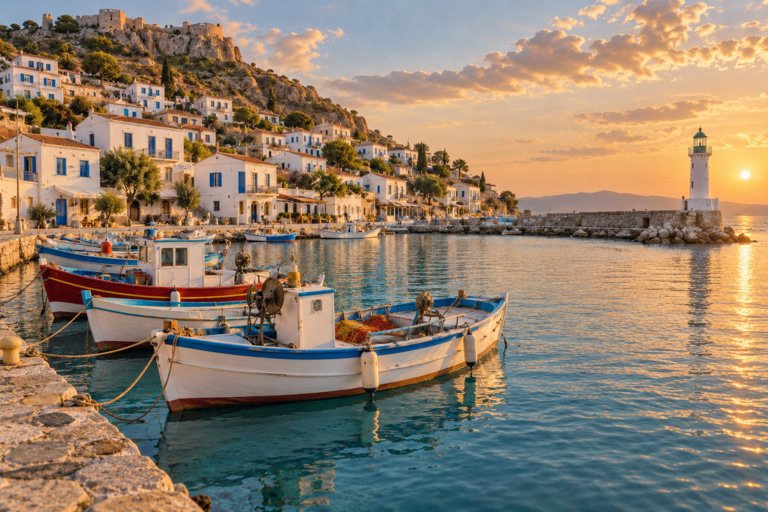
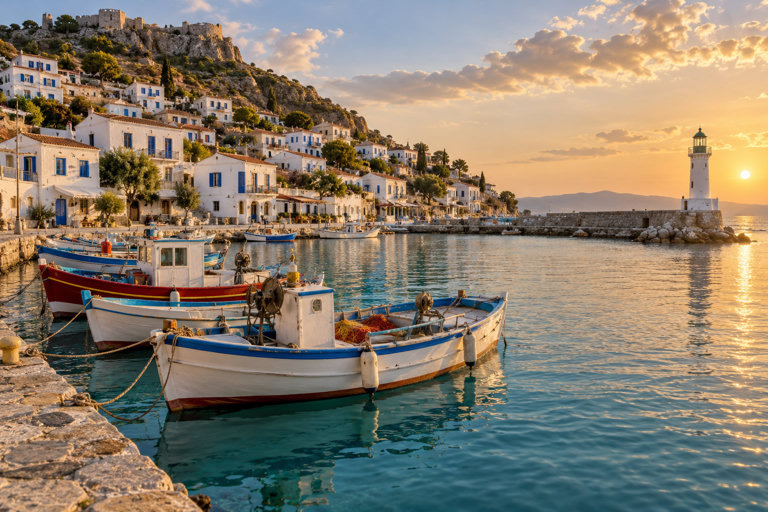
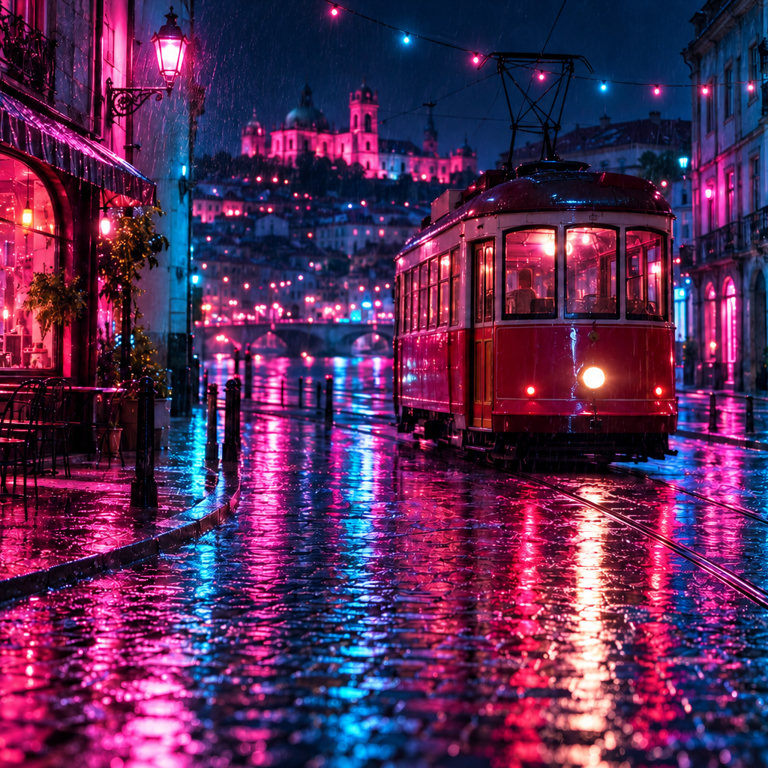
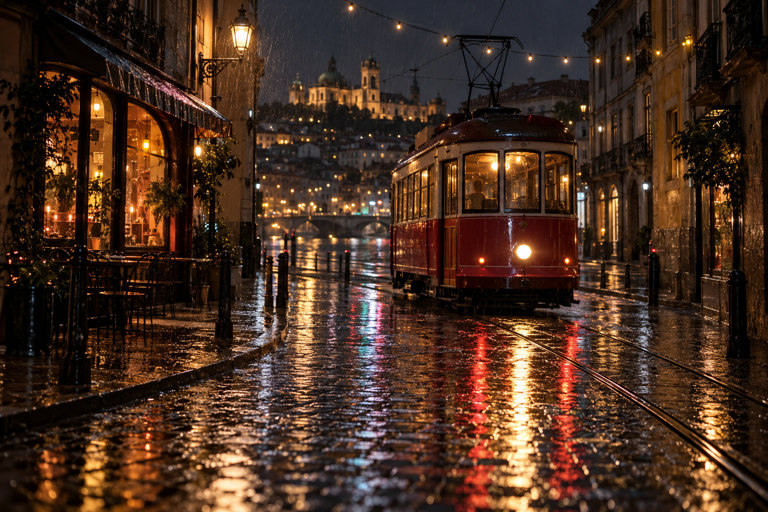
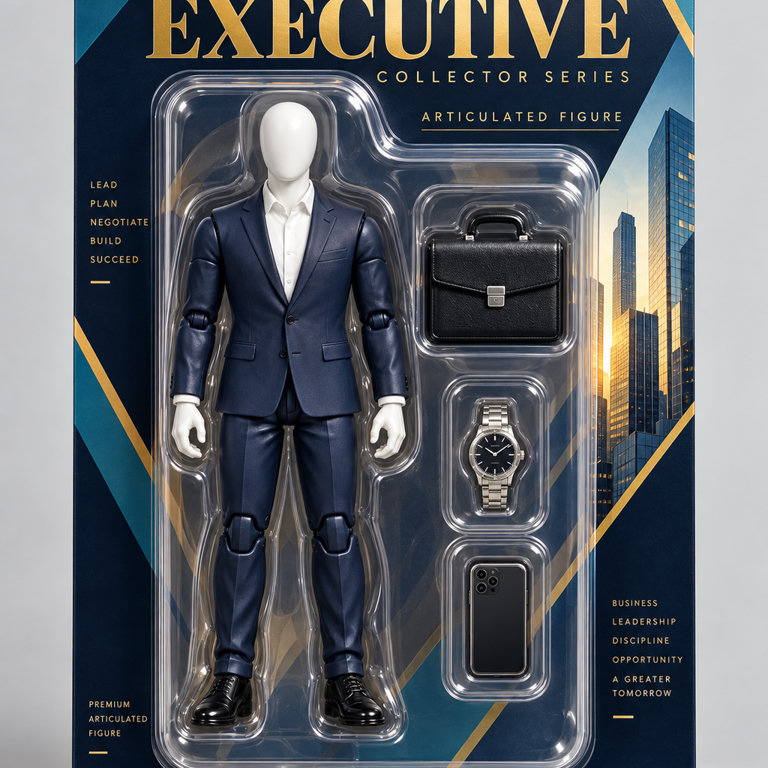
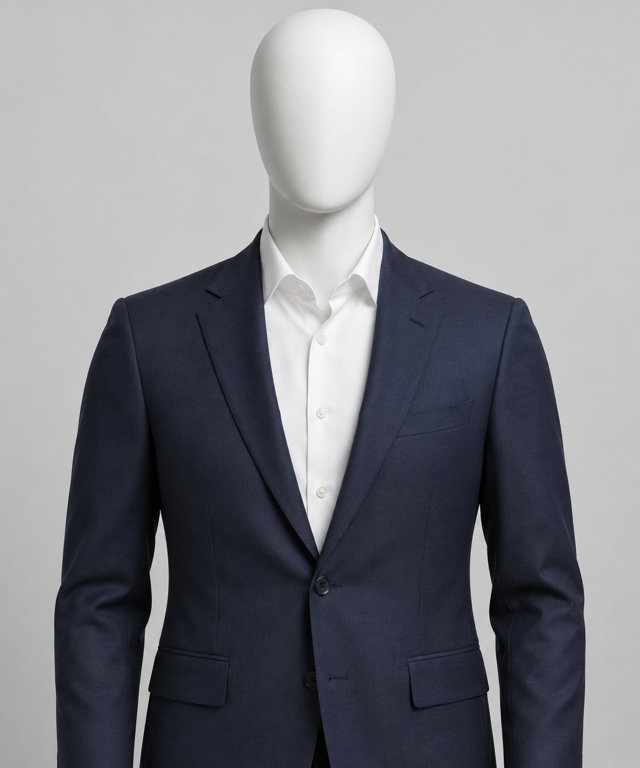
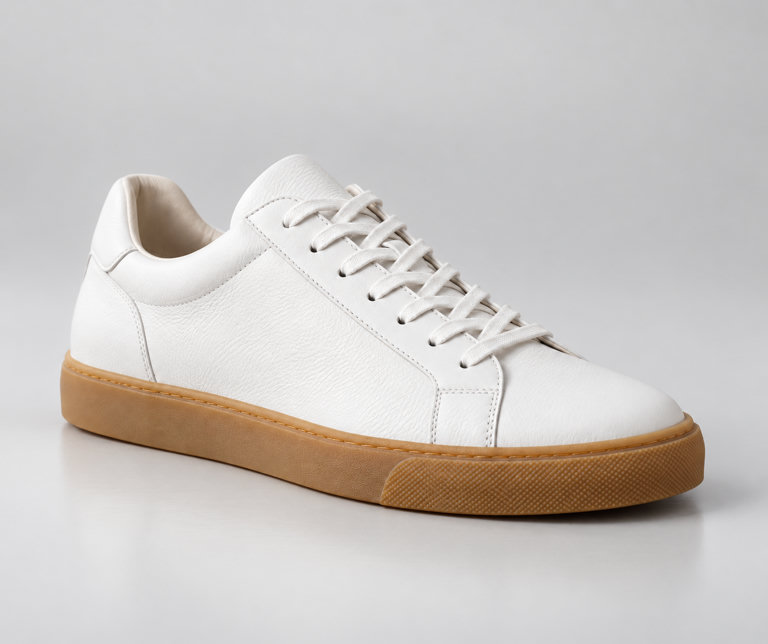
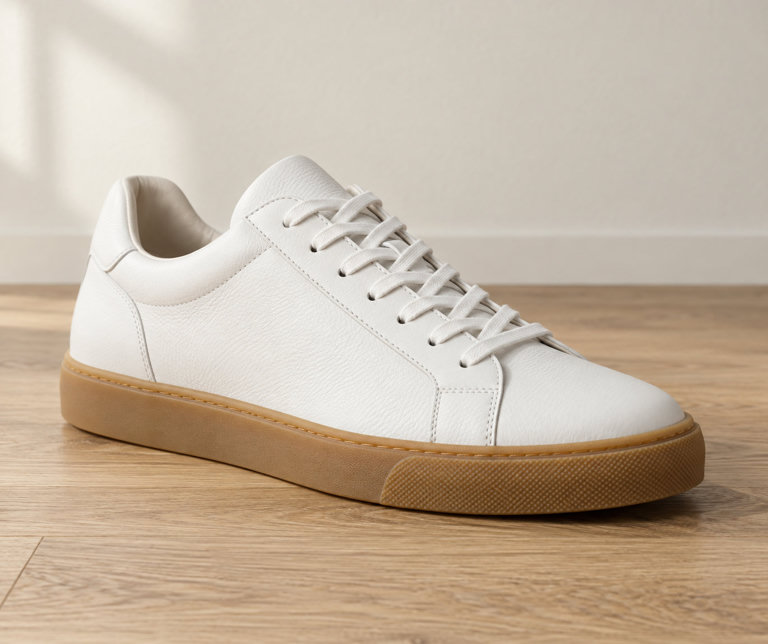
Real results from Vani Studio presets.
- 6 image models from OpenAI and xAI
- $0.025 per image, the lowest API price
- ~28 s with Grok Imagine Image 2, the fastest of the 2 models timed so far
- 124 looks and photo apps in Vani Studio
Free to start, on every plan. In chat and Studio, generations use your plan's allowance; prices on this page are for the prepaid API.
Every image model, charted.
What each model does, its prepaid API price per output and how long it typically takes, live from Vani's catalogue. Typical time is the median of recent successful generations.
| Model | Text to image | Image editing | Sizes | API price | Typical time |
|---|---|---|---|---|---|
OpenAI4 models | |||||
| GPT Image 2 | Yes | No | 1024 × 1024 | $0.05 per image | Measuring |
| GPT Image 2.5Lowest priceEdits and combines up to 8 images · Square, portrait and landscape sizes | Yes | Yes | 1024 × 1024 to 2048 × 2048 | $0.025 per image | ~33 s |
| GPT Image 2.5 Flare | Yes | No | 1024 × 1024 | $0.05 per image | Measuring |
| GPT Image 2.5 Sunburst | Yes | No | 1024 × 1024 | $0.05 per image | Measuring |
xAI2 models | |||||
| Grok Imagine Image | Yes | No | 1024 × 1024 | $0.05 per image | Measuring |
| Grok Imagine Image 2FastestEdits and combines up to 3 images · Square, portrait and landscape sizes | Yes | Yes | 1024 × 1024 to 2048 × 2048 | $0.028 per image | ~28 s |
API prices are for prepaid API keys. In chat and Studio, generations use your plan's allowance.
All API pricesLooks and photo apps, ready to use.
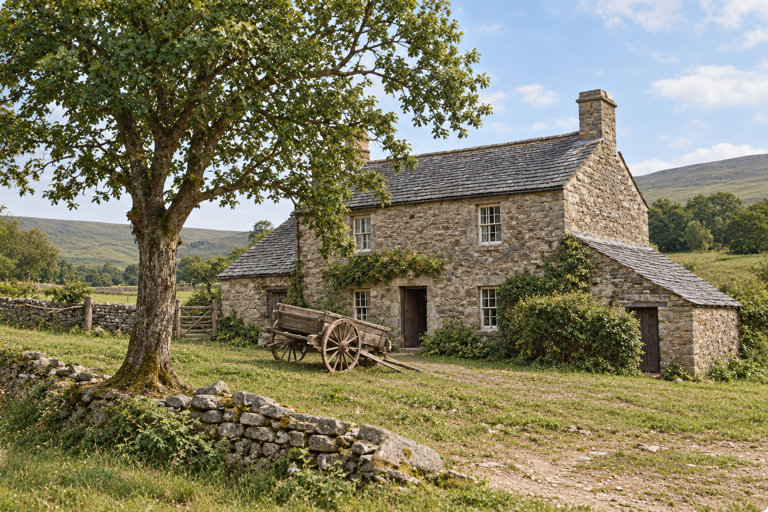
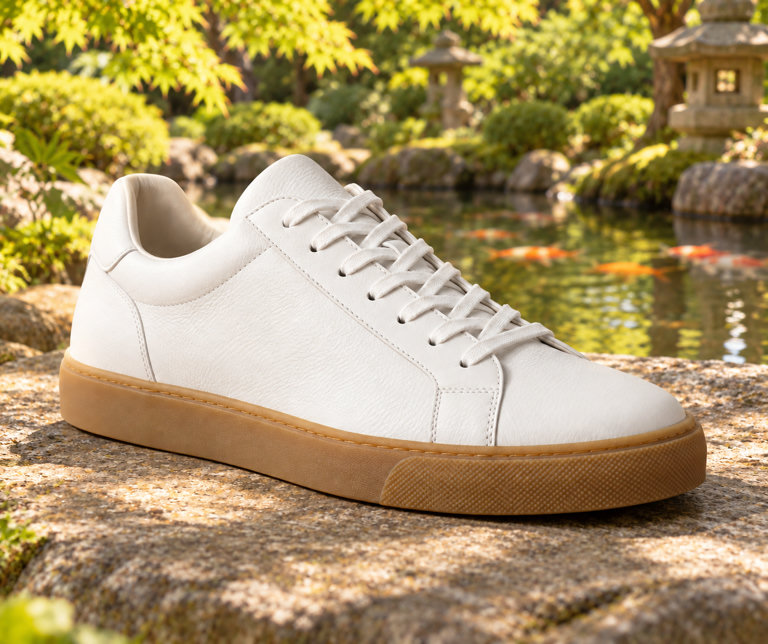
Pick a preset, add your photo or a few words, and Studio writes the prompt. 124 image presets in all; the previews are real results, and the presets shown here run on GPT Image 2.5.
Looks
49 presets
Portra 400
Warm, gentle film color with soft contrast and creamy skin tones.
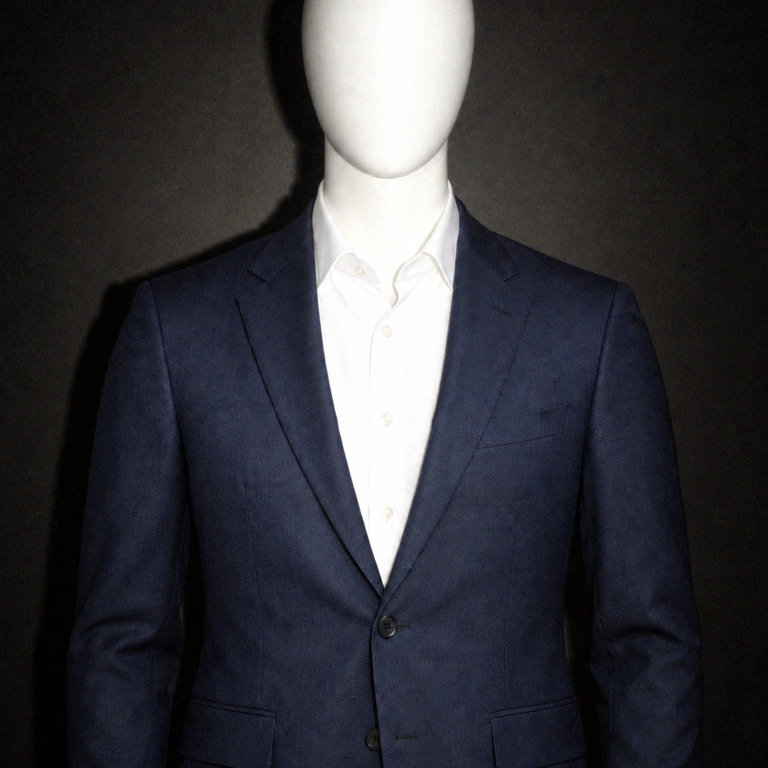
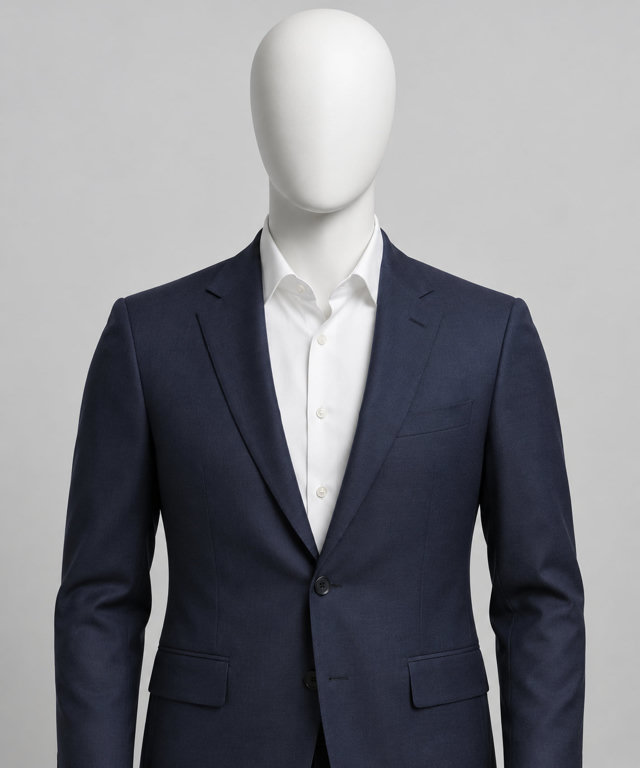
Party Flash
Harsh on-camera flash and dark backgrounds, like a night-out snapshot.
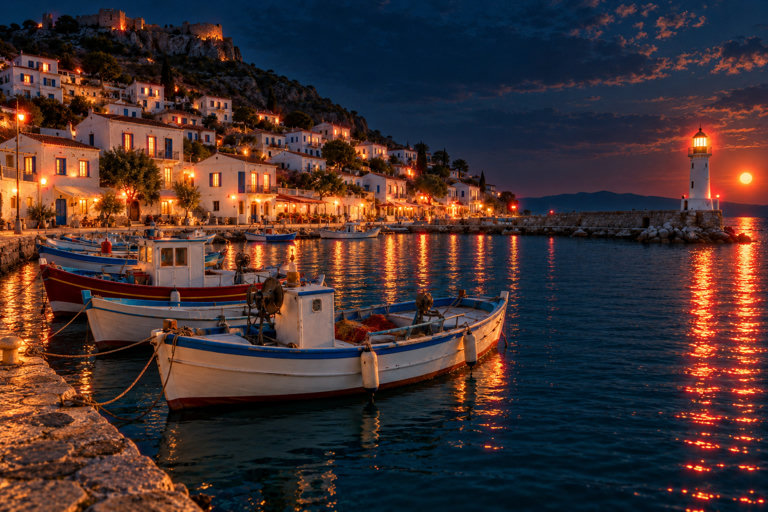
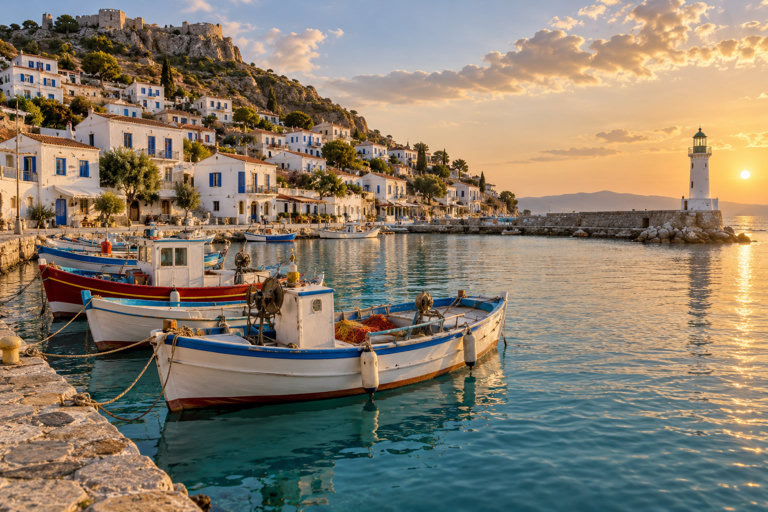
Cinestill Night
Moody tungsten night film with glowing red halation around lights.
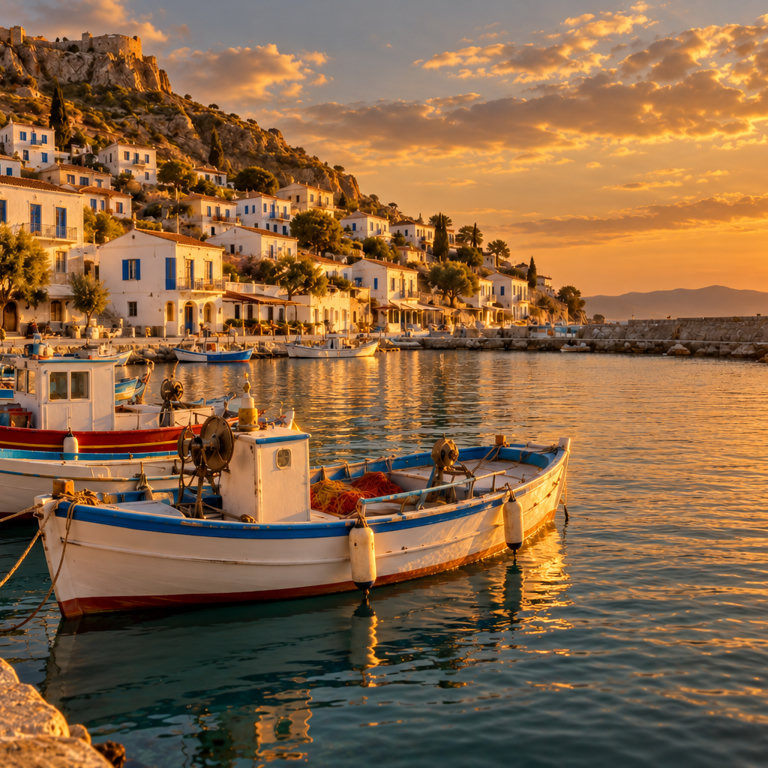
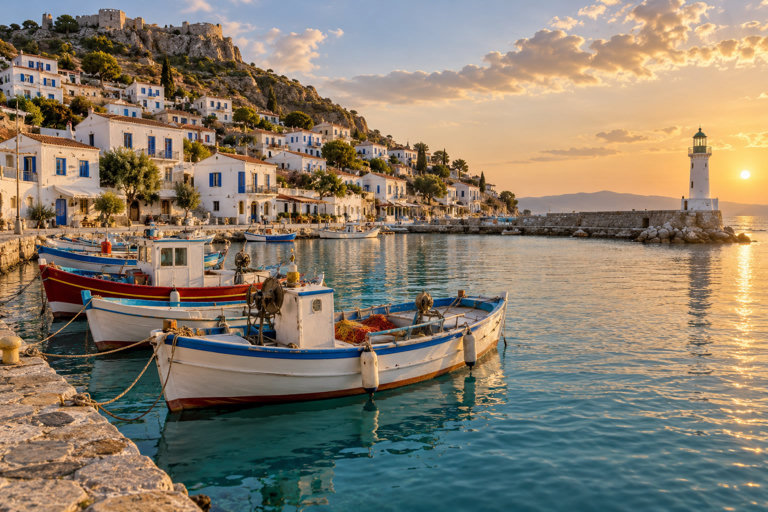
Golden Hour
Warm low sun, long shadows and a soft golden glow.
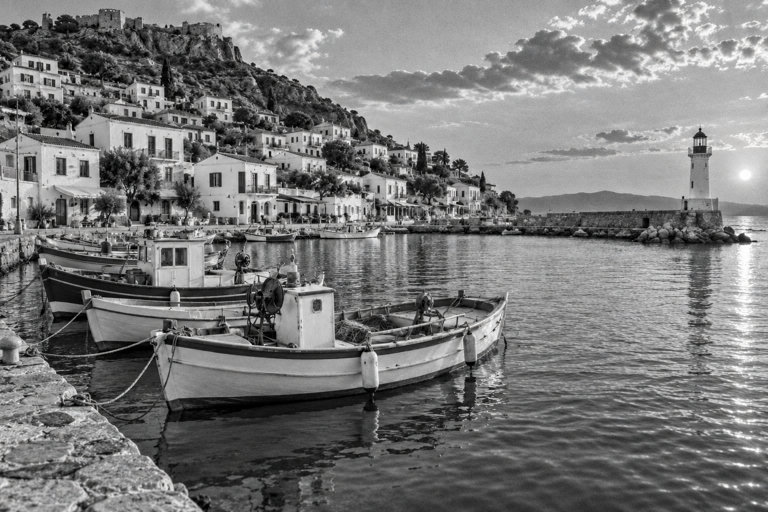
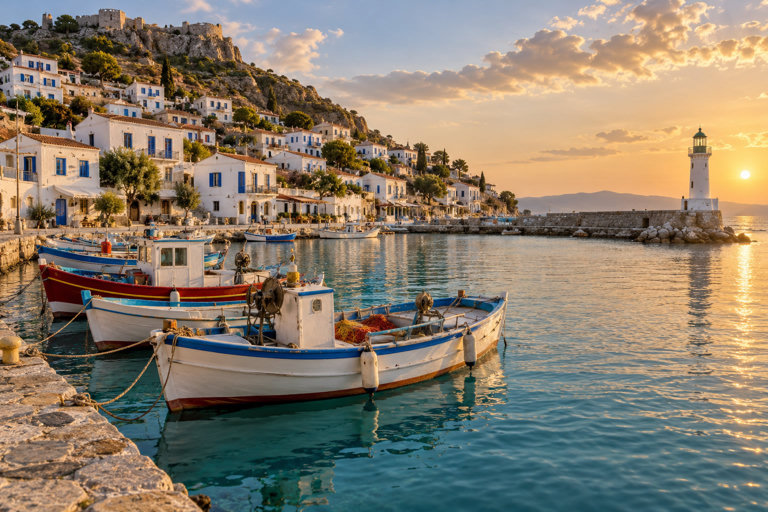
Black & White
Classic grainy black-and-white film with rich tonal range.
Neon Nights
Magenta and cyan neon reflections on rain-wet streets.
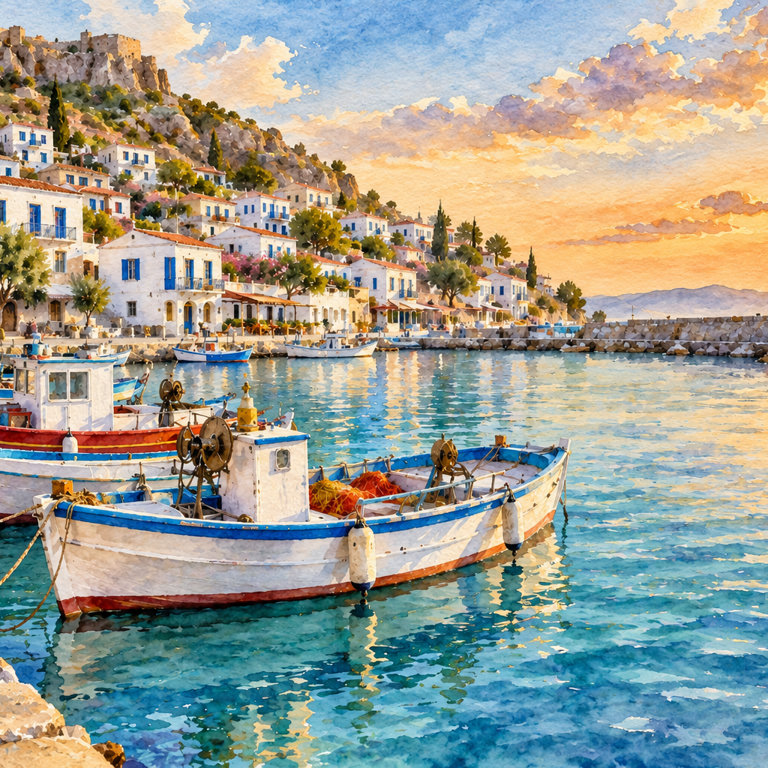
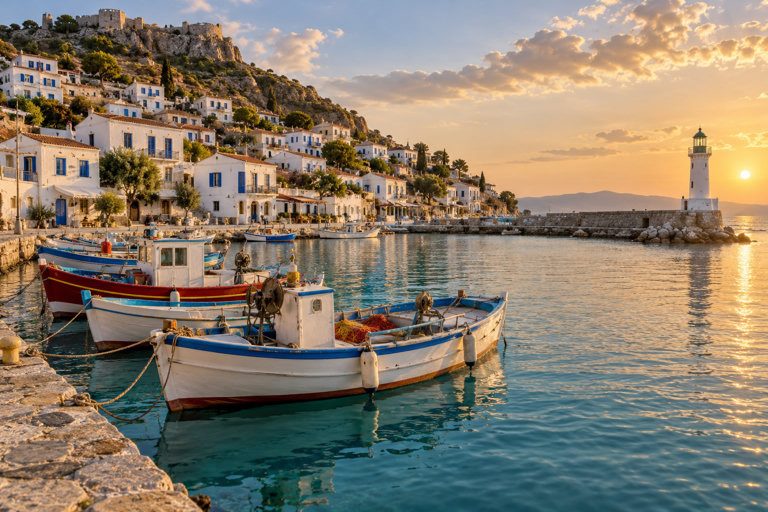
Watercolor
Loose, luminous watercolor washes on textured paper.
Photo apps
75 presets
Boxed Figure
You, your pet or product as a collectible action figure in its box.
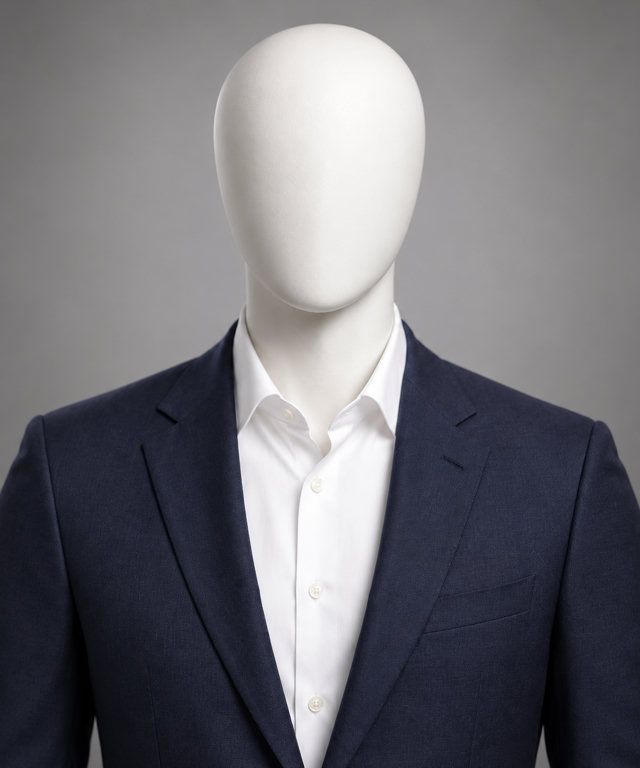
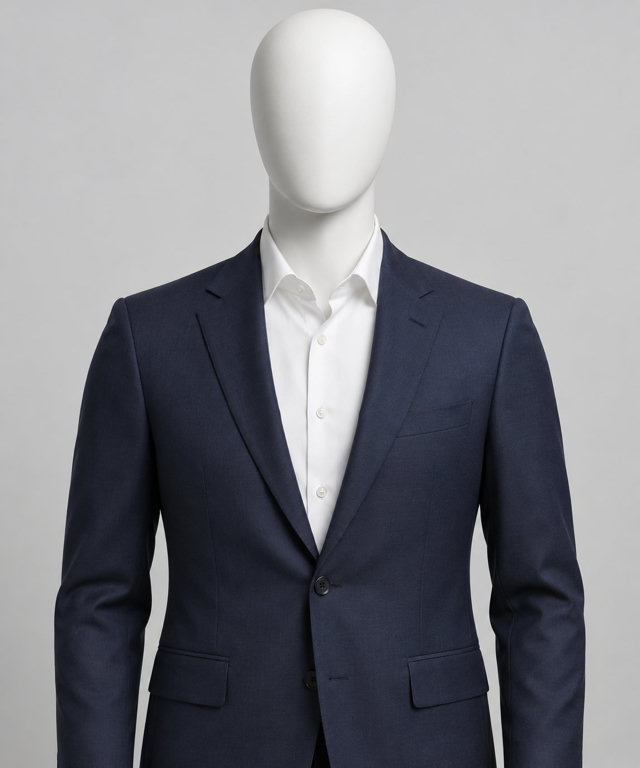
Pro Headshot
Turn a casual photo into a polished professional headshot.
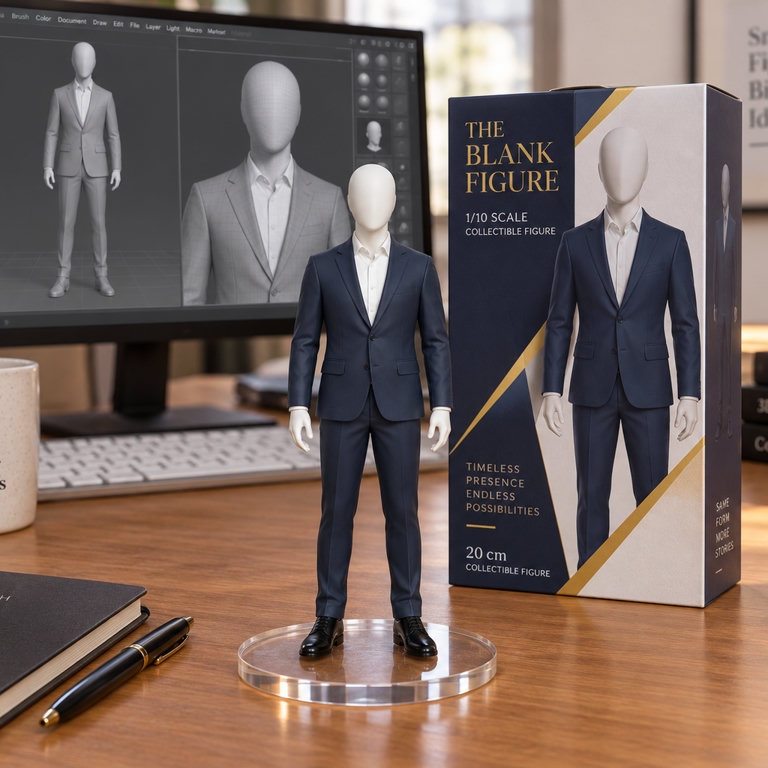
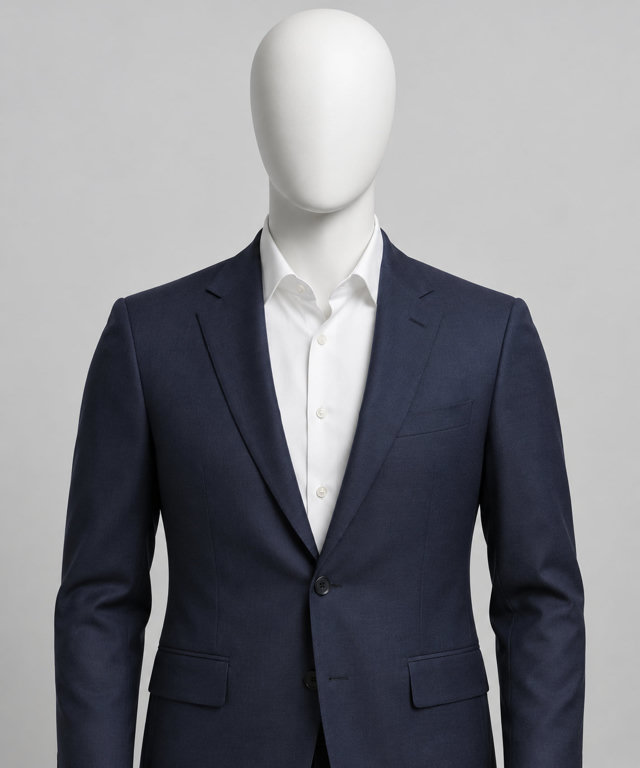
Desk Figurine
A detailed collectible figurine of your subject on a desk, next to its box.
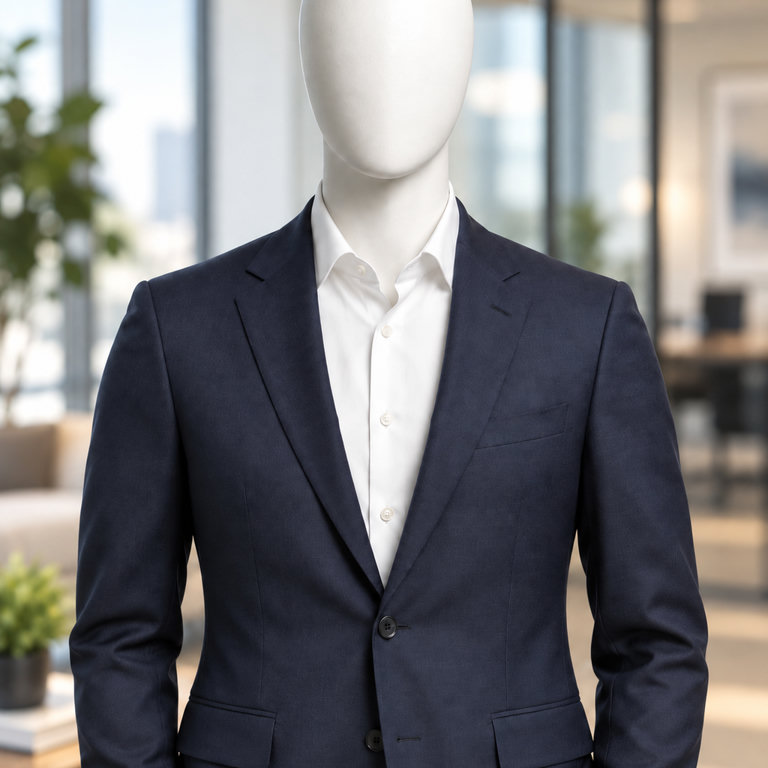
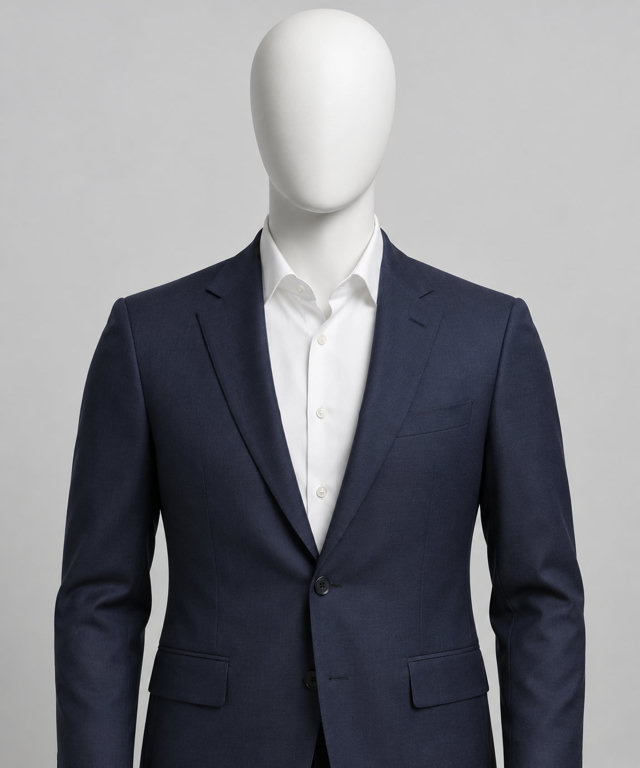
Office Portrait
A confident business portrait in a bright, modern office.
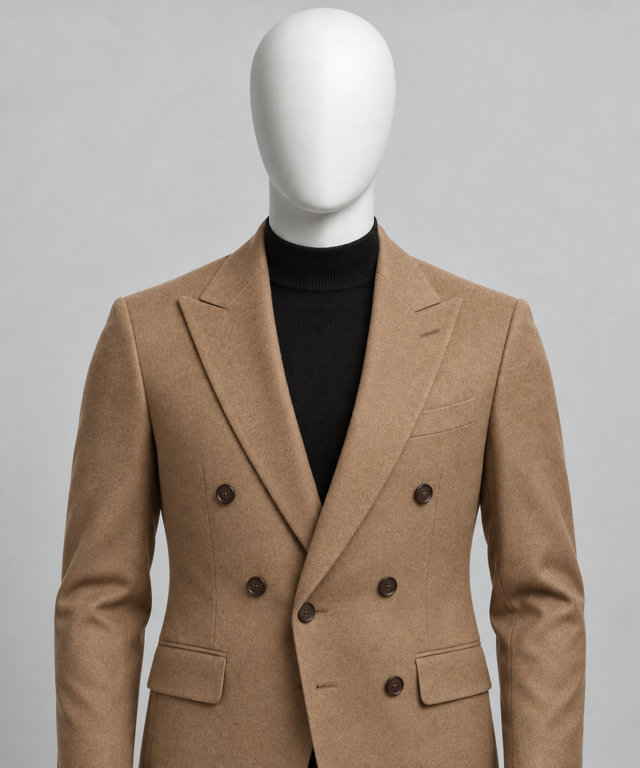
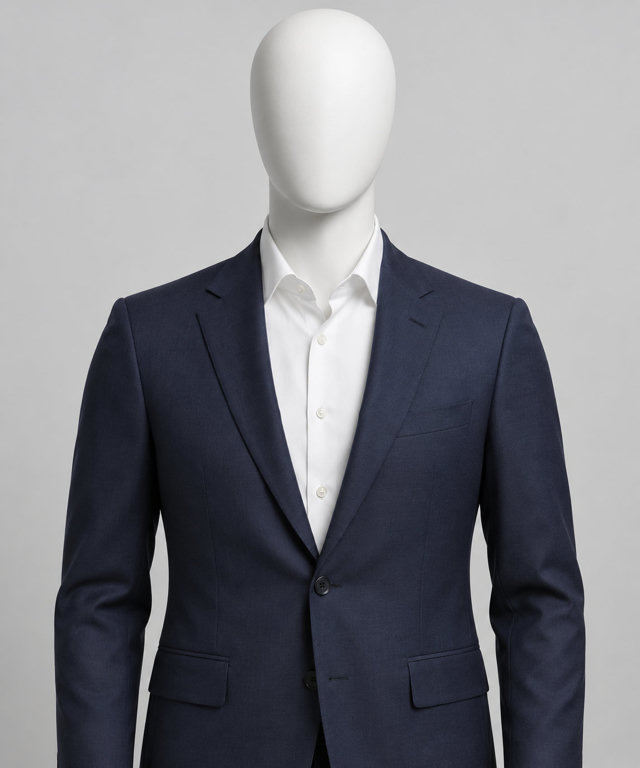
Outfit Swap
Dress the person in your photo in a new outfit, keeping them the same.
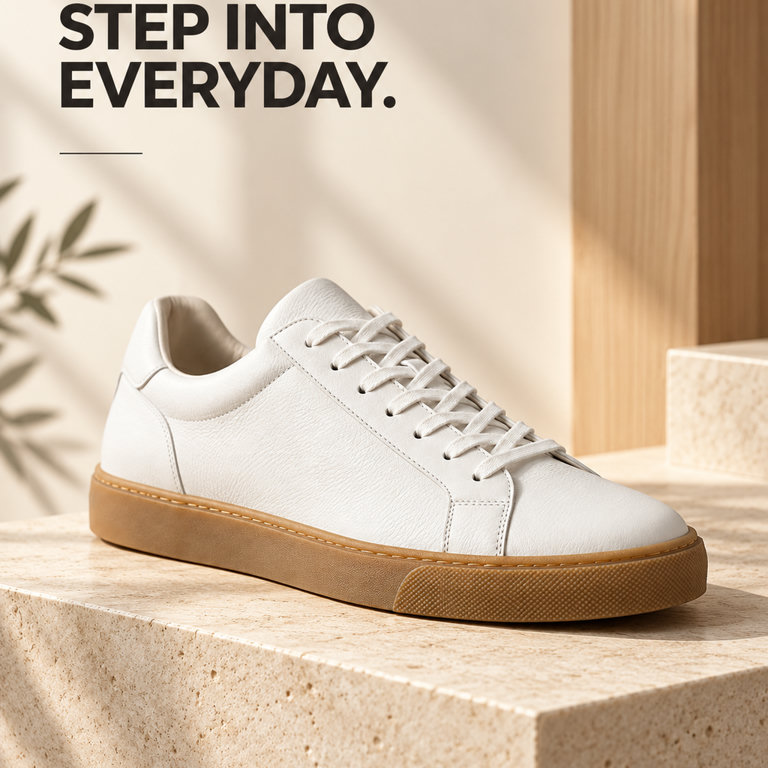
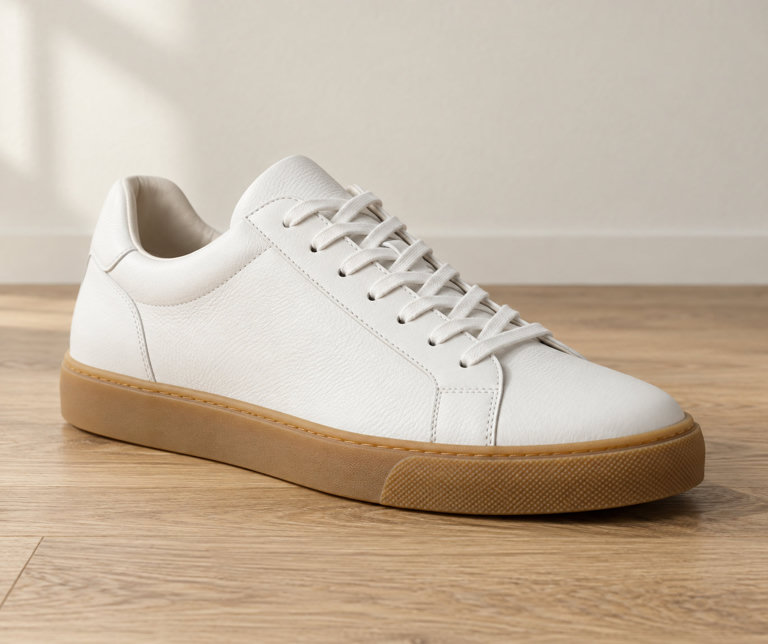
Ad Creative
A polished ad image for your product with a short headline.
Studio Product Shot
Place your product on a clean studio set with professional lighting.
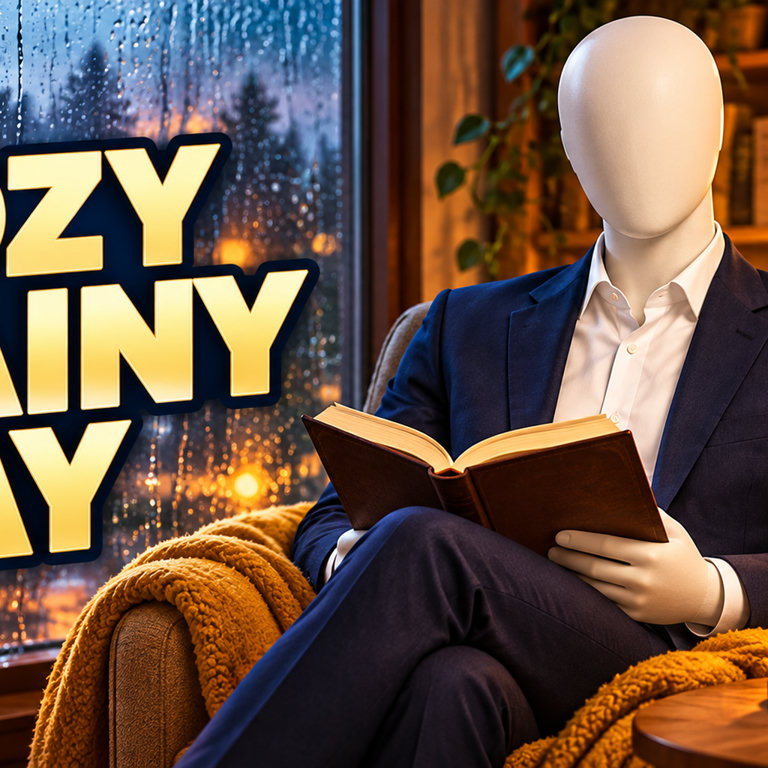
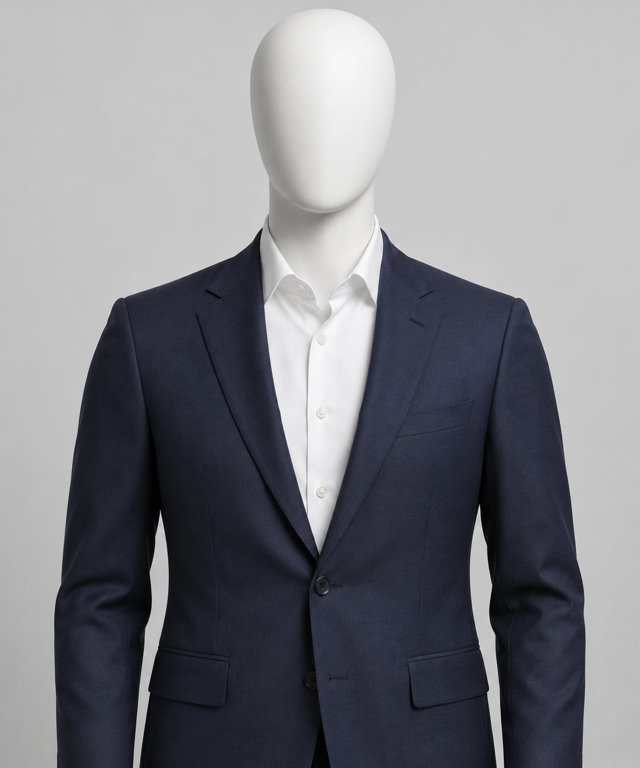
Thumbnail Maker
An eye-catching video thumbnail with big, bold title text.
- Camera moves you can combine in one shot
- Effects and transitions that turn a photo into a short clip
- Looks and photo tools, from headshots and product shots to relighting and restoring
- Characters you can reuse across images and videos
- A machine-readable “made with AI” label in every image and video file
From an idea to the image, in three steps.
Describe it
Type what you want to see, or upload a photo and say what to change.
Pick a model
Choose from 6 image models, or a ready-made look in Studio. The quickest of the 2 timed so far typically finishes in about 28 seconds.
Refine and keep it
Ask for changes in the same chat. Every image is kept in your media library to download or reuse.
Text to image
Generate an image from a prompt.
On all 6 image models
Image editing
Upload a photo and describe the change, or combine up to 8 images in one request.
On GPT Image 2.5 and Grok Imagine Image 2
Media library
Every image and video you make is kept in one place.
To download or reuse
What people make with AI images.
A few of the jobs AI images do well, with the Studio preset that does it in one step.
Product shots
Put a product on a clean studio set or in a real-world scene, ready for a shop or an ad.
Portraits and headshots
Turn a casual photo into a polished headshot, or try a new outfit while keeping the person the same.
Posters and social posts
Make artwork in the shape you need, from square posts to tall stories and wide banners.
Restore old photos
Repair scratches and fading and bring back natural colour.
New backgrounds and light
Keep your subject and change the place or the light, like golden hour or studio light.
Ideas and concept art
Try out scenes, characters and moods, then refine the one you like in the same chat.
The same models on the API.
One prepaid key for every model on this page, with OpenAI-style requests. You pay per output; a failed generation is not charged.
POST /v1/images/generationsmake an image from a promptPOST /v1/images/editschange one or more images you send
curl · GPT Image 2.5
curl https://api.vani.ai/v1/images/generations \
  -H "Authorization: Bearer $VANI_API_KEY" \
  -H "Content-Type: application/json" \
  -d '{
    "model": "openai/gpt-image-2.5",
    "prompt": "A lighthouse on a cliff at dusk",
    "size": "1024x1024"
  }'
Questions, answered.
What is the best AI image generator?
It depends on what you are making. Vani puts GPT Image and Grok Imagine in one place, so you can try the same idea on several models and keep the result you like. The comparison on this page shows what each model does, its API price and how long it typically takes.
Is the AI image generator free to use?
You can start free: image generation is included on every Vani plan, Free too, and uses your plan's allowance. Paid plans give you more room. On the API, images are billed per image from a prepaid balance instead.
How long does it take to generate an image?
It depends on the model and the size. Recently, Grok Imagine Image 2 typically finished in about 28 seconds and GPT Image 2.5 in about 33 seconds. Typical times are the median of recent successful generations on Vani.
Can I edit my own photos?
Yes. Upload a photo in chat and describe the change, or pick a look or photo app in Studio. GPT Image 2.5 and Grok Imagine Image 2 edit images; GPT Image 2.5 can combine up to 8 in one request.
What sizes can I make?
Square, portrait and landscape images up to 2048 × 2048 pixels, depending on the model. Each model's page lists its sizes.
Is there an AI image generation API?
Yes. Every model on this page is on the Vani API with a prepaid key: POST /v1/images/generations and POST /v1/images/edits. Prices start at $0.025 per image. A failed generation is not charged.
What are looks and photo apps?
They are ready-made presets in Vani Studio: 49 looks and 75 photo apps, such as Portra 400 and Boxed Figure. Pick one, add your photo or a few words, and Studio writes the prompt for you.
Make your first image.
Free to start, with every model in one place. Keep what you make in your media library, or build it into your product with the API.